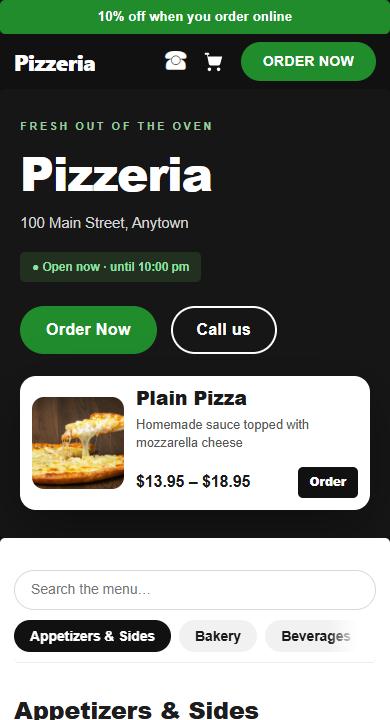
Order online
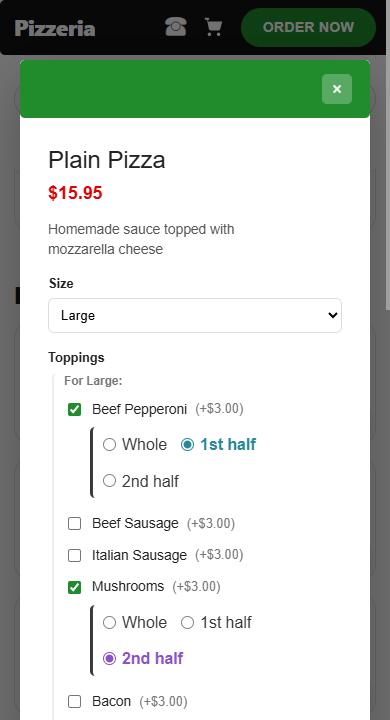
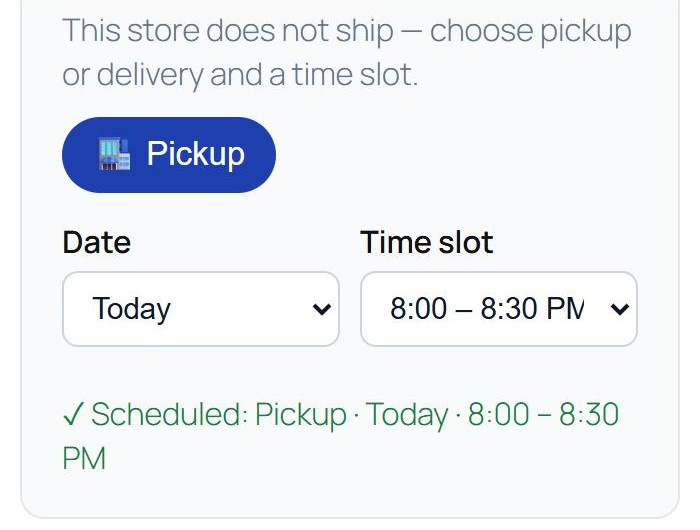
The shop’s own website: the menu with photos, toppings on the whole pie or either half, and pickup or delivery at a time you choose. Checkout is “pay at pickup”, so nothing is charged.
Best on your phone.
Open the shopA pizza shop running on Ezposs: its own ordering website and the till behind the counter. Open either one and try anything — it all resets every night.
The shop’s own website: the menu with photos, toppings on the whole pie or either half, and pickup or delivery at a time you choose. Checkout is “pay at pickup”, so nothing is charged.
Best on your phone.
Open the shop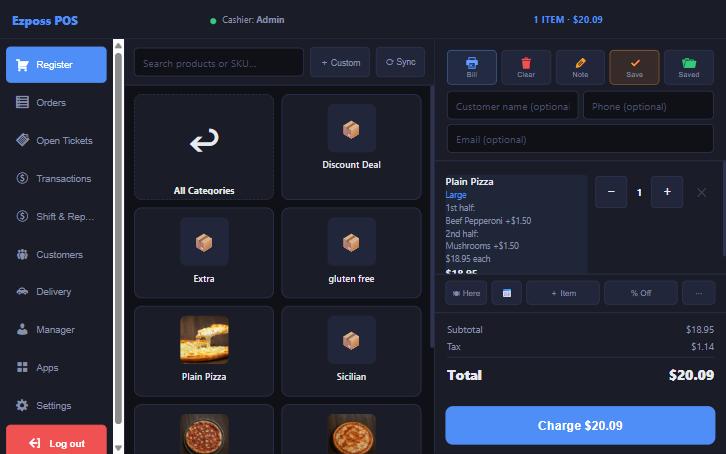
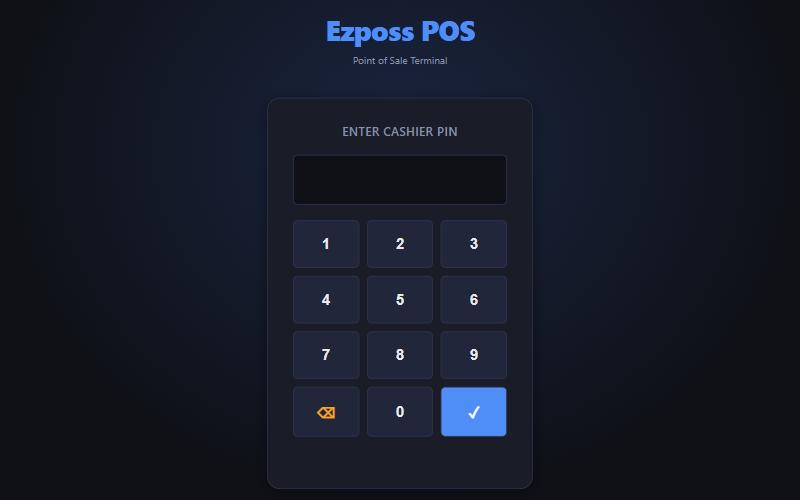
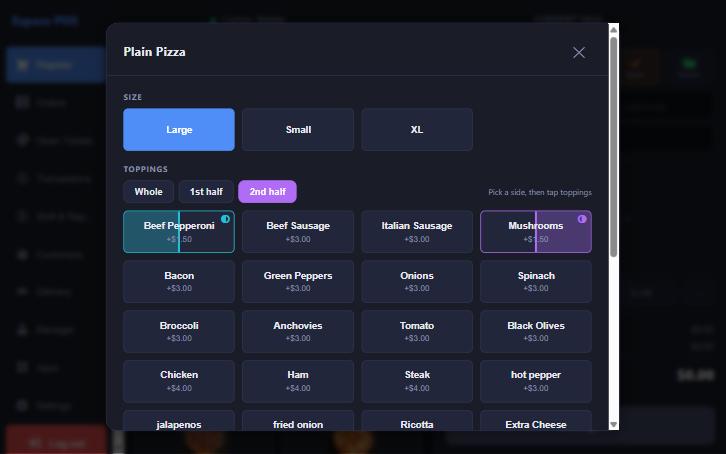
The Ezposs till the counter staff use. Sign in with a PIN, build a half-and-half pizza, take the order and look at the reports.
12349999Best on a tablet or computer.
Open the till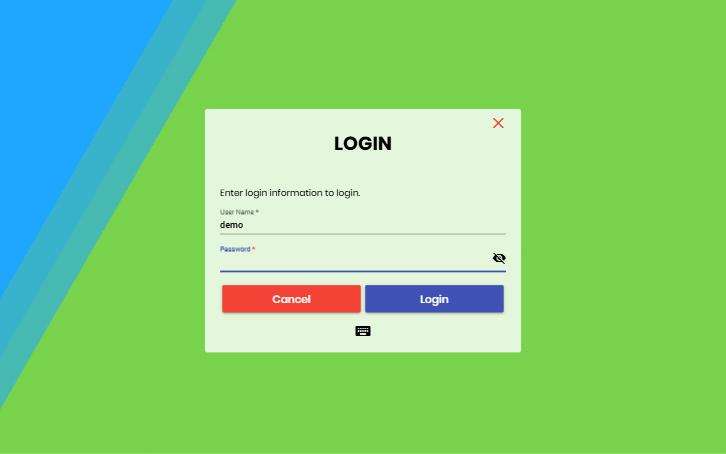
The same shop also runs the OpenPOS till, with the same menu, so you can see how Ezposs works alongside the till you already know.
demodemo1234Best on a tablet or computer.
Open OpenPOS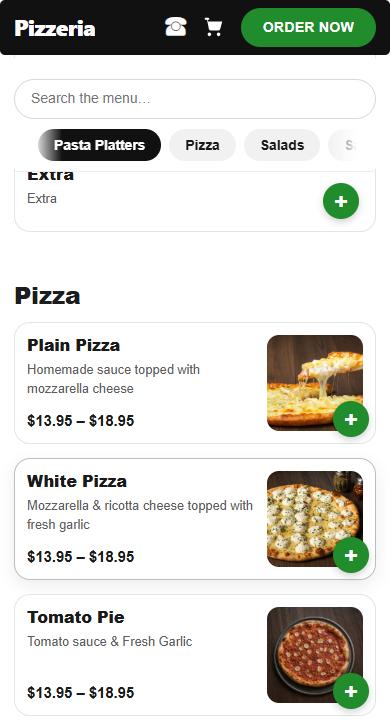
The demo resets every night at 4 AM Eastern. Nothing is charged and no e-mails are sent.
Tell us how you take orders today and we’ll put your own menu on it.